Validation & QA/QC
Rules, findings and quality indicators applied to a documented borehole example.


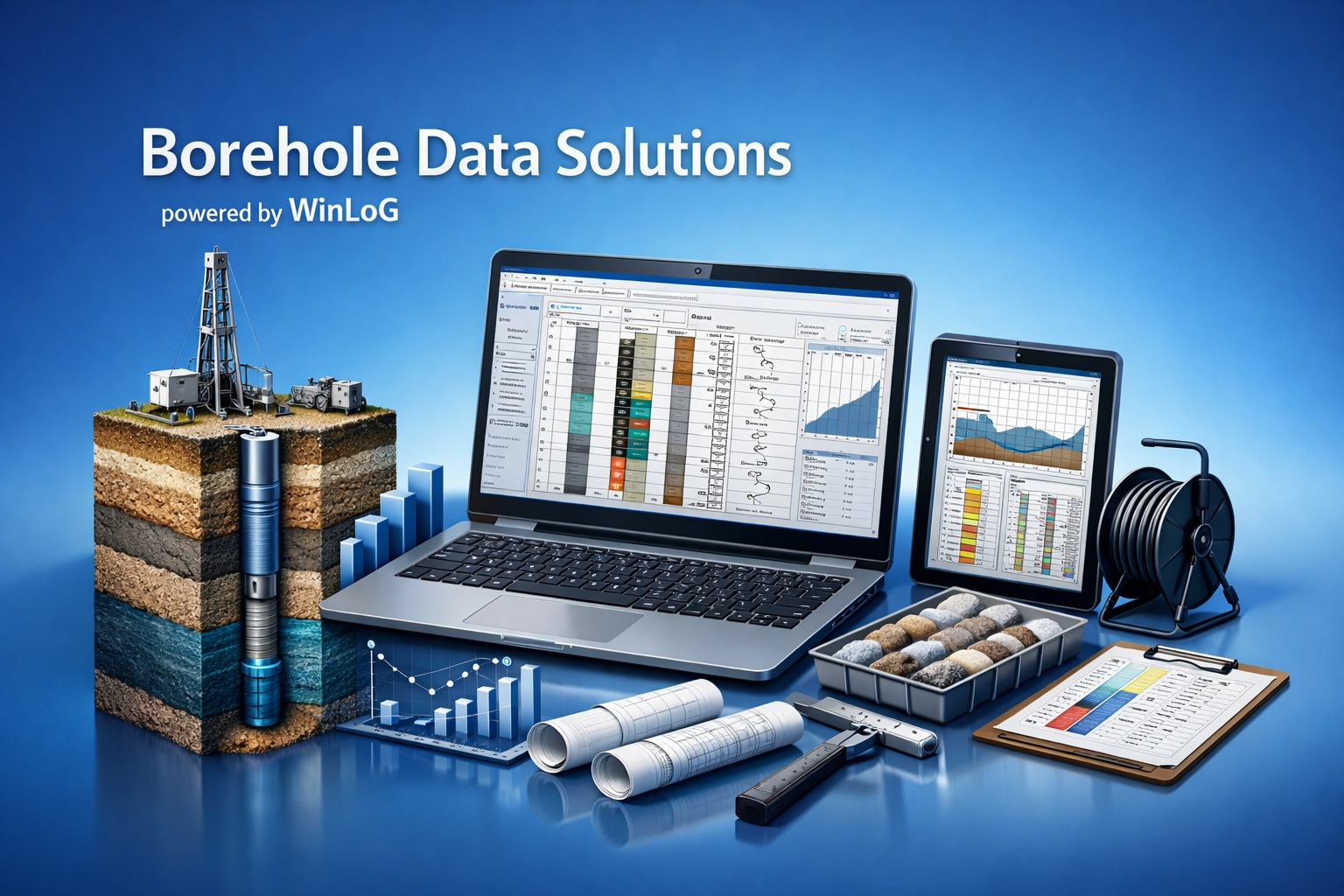
WinLoG combines structured data capture, configurable templates, professional log output and released automated Validation & QA/QC.
Identify missing, invalid and inconsistent data before issue, then document the result with depth-linked findings and a detailed validation report.
Move directly to product capabilities, supported data, examples, validation, migration guidance or common questions.
Professional presentation is only one part of a reliable borehole or well log. The underlying data must also be structured, complete and internally consistent.
Each product contributes a different part of the workflow. Availability depends on the products and modules included in the license.
| Capability | WinLoG | WinLoG Field Assistant | GaeaSynergy |
|---|---|---|---|
| Primary role | Desktop logging, templates, validation and reports | Android field data collection and field logs | Integrated project analysis and visualization platform |
| Borehole and well logs | Create, edit, validate and report | Collect data and produce supported field output | Uses WinLoG data within shared projects where licensed |
| Offline field work | Desktop workflow | Designed for offline Android use | Office project environment |
| Template workflow | Design and manage templates | Uses templates prepared for field collection | Provides wider project context |
| Validation & QA/QC | Released and available now | Field validation depends on supported workflow | Uses validated WinLoG information in the project |
| Cross-sections, maps and 3D | Not a standalone WinLoG function | Not a Field Assistant function | Available through applicable GaeaSynergy capabilities and modules |
| Dashboards | Product-specific status and results where available | Not the primary dashboard environment | Main platform and project dashboard context |
WinLoG is designed for practical logging, repeatable presentation and defensible data review.
Configure headers, footers, columns, scales, symbols, graphs and construction details for reusable formats.
Store intervals, samples, measurements, water levels, laboratory results and graphical records by depth.
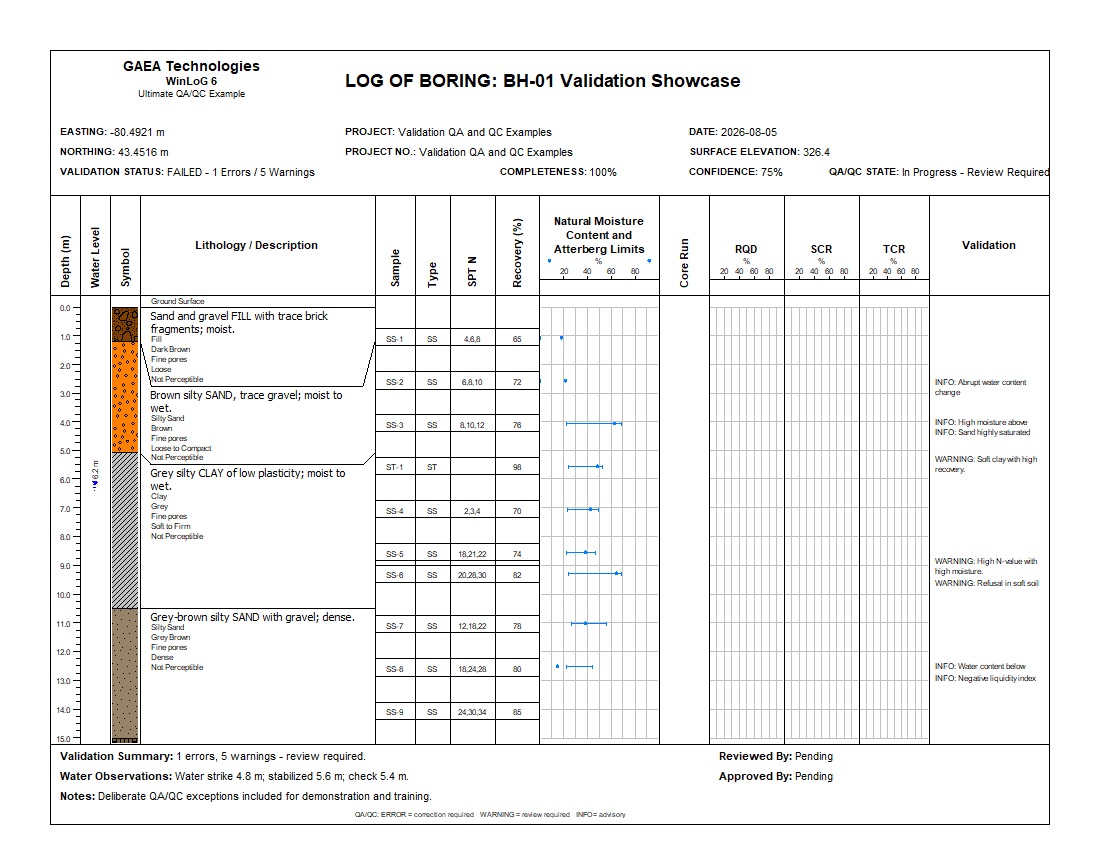
Run domain, completeness and cross-dataset rules with detailed, depth-linked findings and reports.
Use WinLoG Field Assistant and structured EDI files to reduce repeated transcription.
Generate consistent borehole, well, core and specialized logs for project delivery.
Exchange structured records through supported XML, EDI and other applicable formats.
WinLoG templates can combine descriptive, numeric, graphical, sample, construction and photographic data in one depth-based presentation.
Materials, stratigraphy, classifications, structures, alteration, remarks and annotations.
SPT, recovery, RQD, water content, laboratory results, drilling and geophysical curves.
Screens, casings, seals, filter packs, water levels and monitoring information.
Engineering graphs, geological symbols, core photographs and specialized display columns.
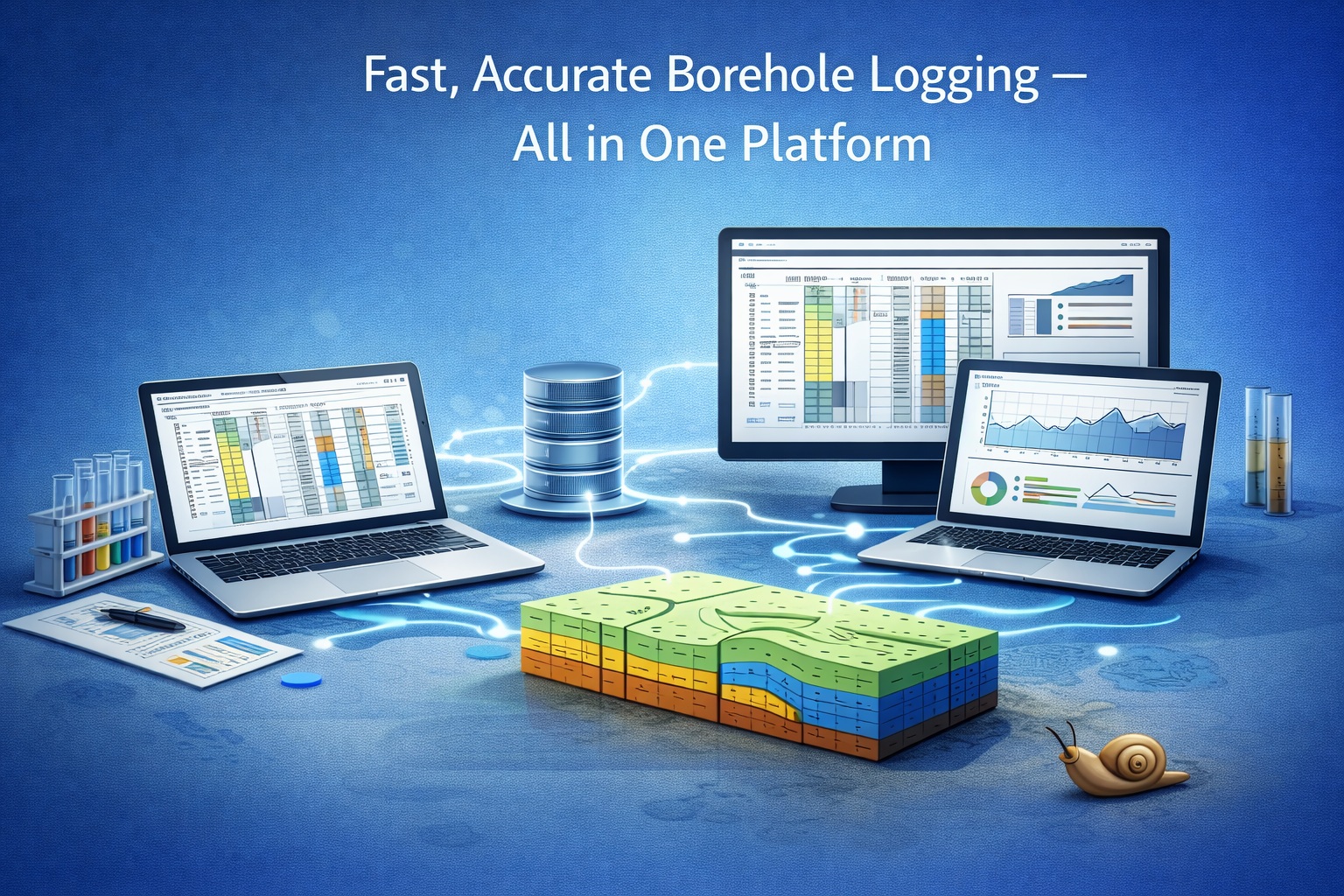
WinLoG checks individual values and relationships between related datasets, then identifies the exact fields and depth intervals requiring correction or professional review.
Find missing, invalid and inconsistent information before final issue.
Compare lithology, samples, laboratory results, groundwater and construction.
Use severity and quality metrics to focus attention where it is needed.
Create a validation report that explains each finding and its context.
Start with the category that matches the project, then open individual examples for logs, templates, XML data and validation reports.
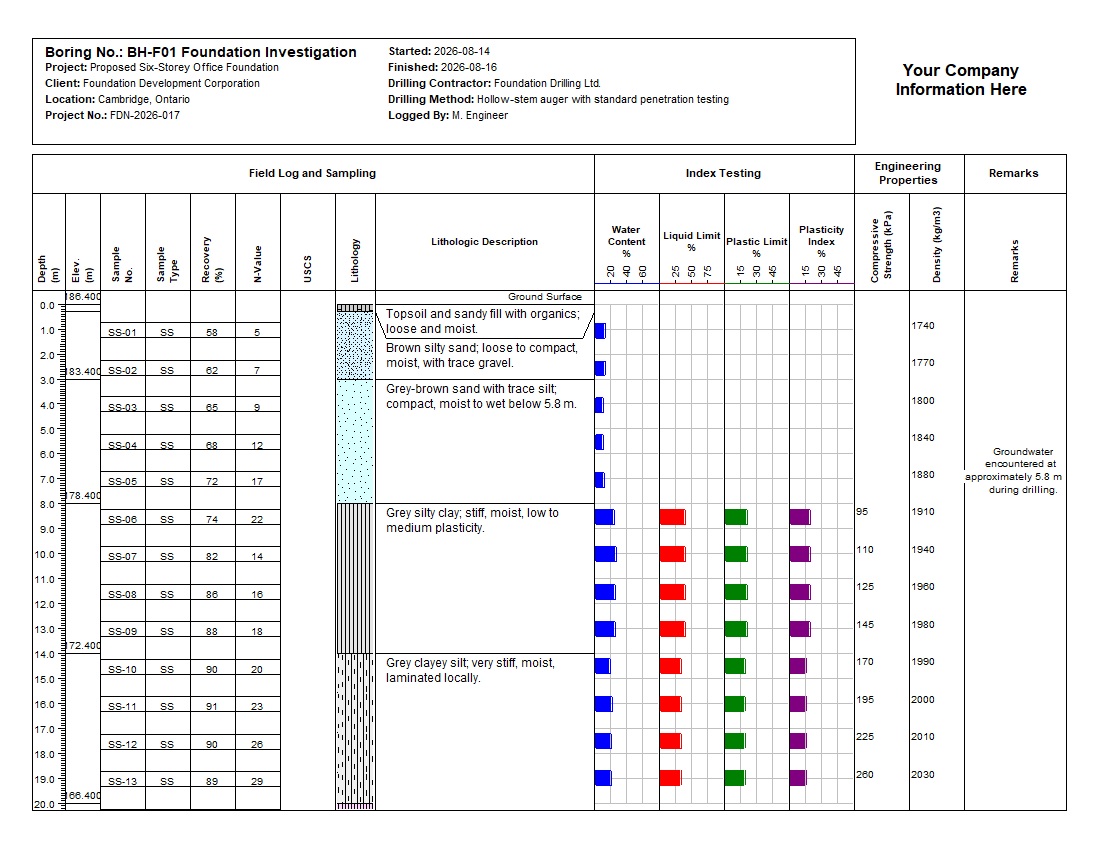
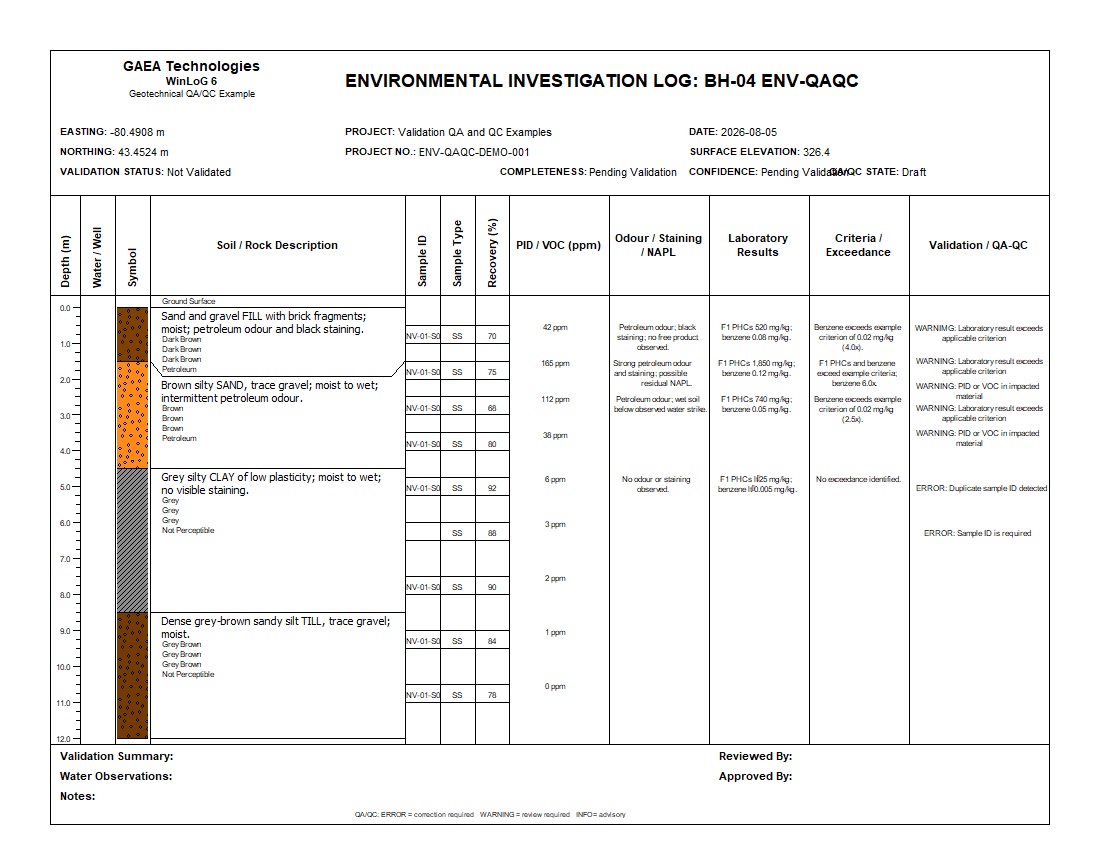
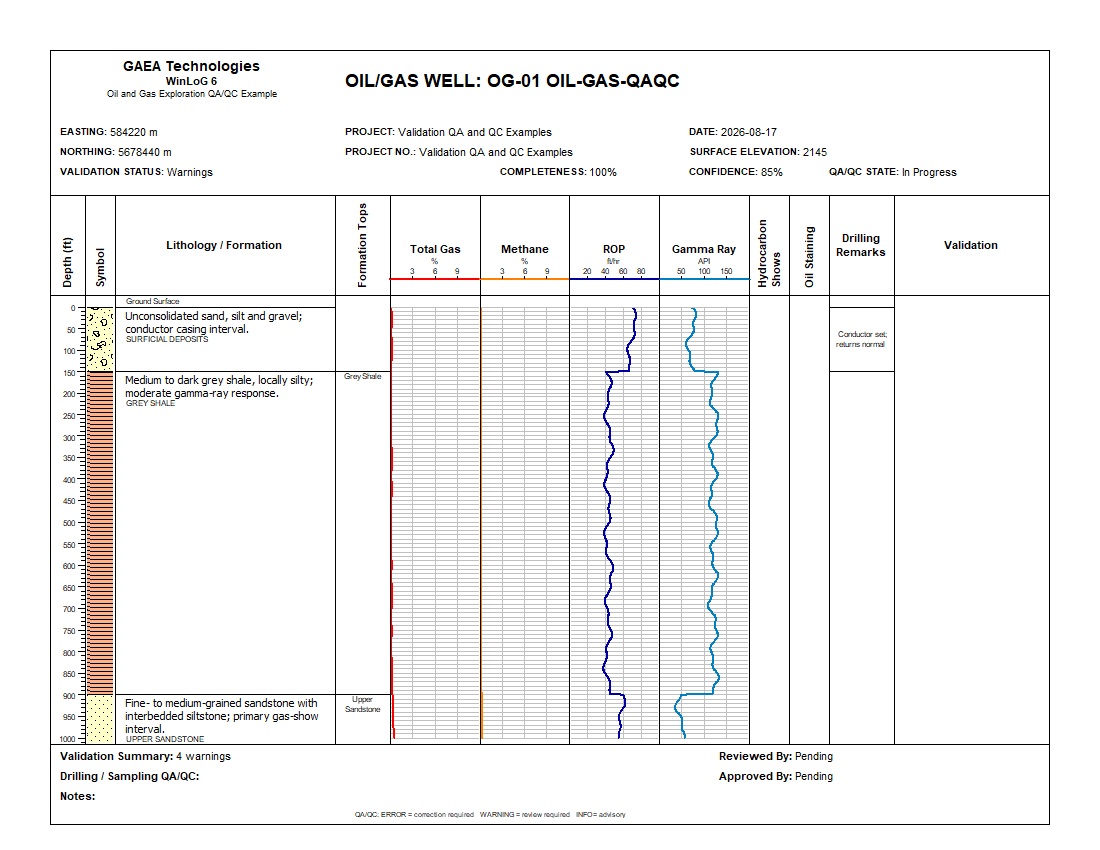
Geotechnical, environmental, groundwater, mining and oil-and-gas validation examples.
View validation examplesFoundations, highways, bridges, pavement, test pits and field investigations.
View geotechnical examplesMonitoring wells, contaminated sites, vapour, landfill gas, recovery wells and sediment cores.
View environmental examplesCore photography, exploration drilling, mineralization, structure and assay information.
View mining examplesFormation tops, total gas, chromatography, resistivity, oil sands and geophysical data.
View oil-and-gas examplesWater-supply, geophysical, agricultural and other specialized logging workflows.
View additional examplesOpen a log to inspect professional presentation across different applications, then use the Example Library for complete downloads and validation details.
Move from standardized field records to reviewed data and professional deliverables.
Record consistent geological, geotechnical, environmental and well information in the office or with Field Assistant.
Run released automated QA/QC rules, review findings and correct or explain the identified conditions.
Generate professional borehole or well logs together with a detailed validation report.
Organizations reviewing alternatives to legacy gINT and other desktop logging workflows can compare WinLoG using representative databases, templates and deliverables.
Product lifecycle statements can change. Compare the software using current vendor information and your own requirements rather than relying on a single support date or generalized competitor claim.
Use actual templates and data requirements rather than judging the product from a single sample log.
WinLoG is supported within a broader family of subsurface data, visualization and environmental software.
Software developed for practical geoscience and engineering work since 1994.
GAEA solutions have been used by companies and organizations worldwide.
Customers use GAEA software across diverse project and regulatory settings.
Use these technical guides for deeper information about field exchange, templates, validation and data quality.
Review the complete workflow from field capture to professional deliverables.
Read the complete guideUnderstand domain, completeness and cross-dataset validation.
Read the validation guideFollow the structured exchange between field and office systems.
Read the field guidePrepare consistent data-entry and log templates for field work.
Read the template guideUnderstand structured data exchange and supported workflow notifications.
Read the EDI guideLearn why terminology, structure and validation matter across projects.
Read the quality guideGAEA also provides free tools for selected soil classification, Munsell colour and material calculations. Use the WinLoG demonstration when evaluating the complete logging and validation workflow.
Choose relevant examples, review the available validation workflow and test the software with representative project data.
Bring supported gINT and legacy project data into your next workflow. Launching November 1, 2026, included free with GaeaSynergy 6.
Explore migration formats and workflows →
GAEA Technologies develops and distributes geoscience and engineering solutions worldwide. Our solutions have been used for over 30 years by companies and organizations around the world.
© 2026 GAEA Technologies. All Rights Reserved.