

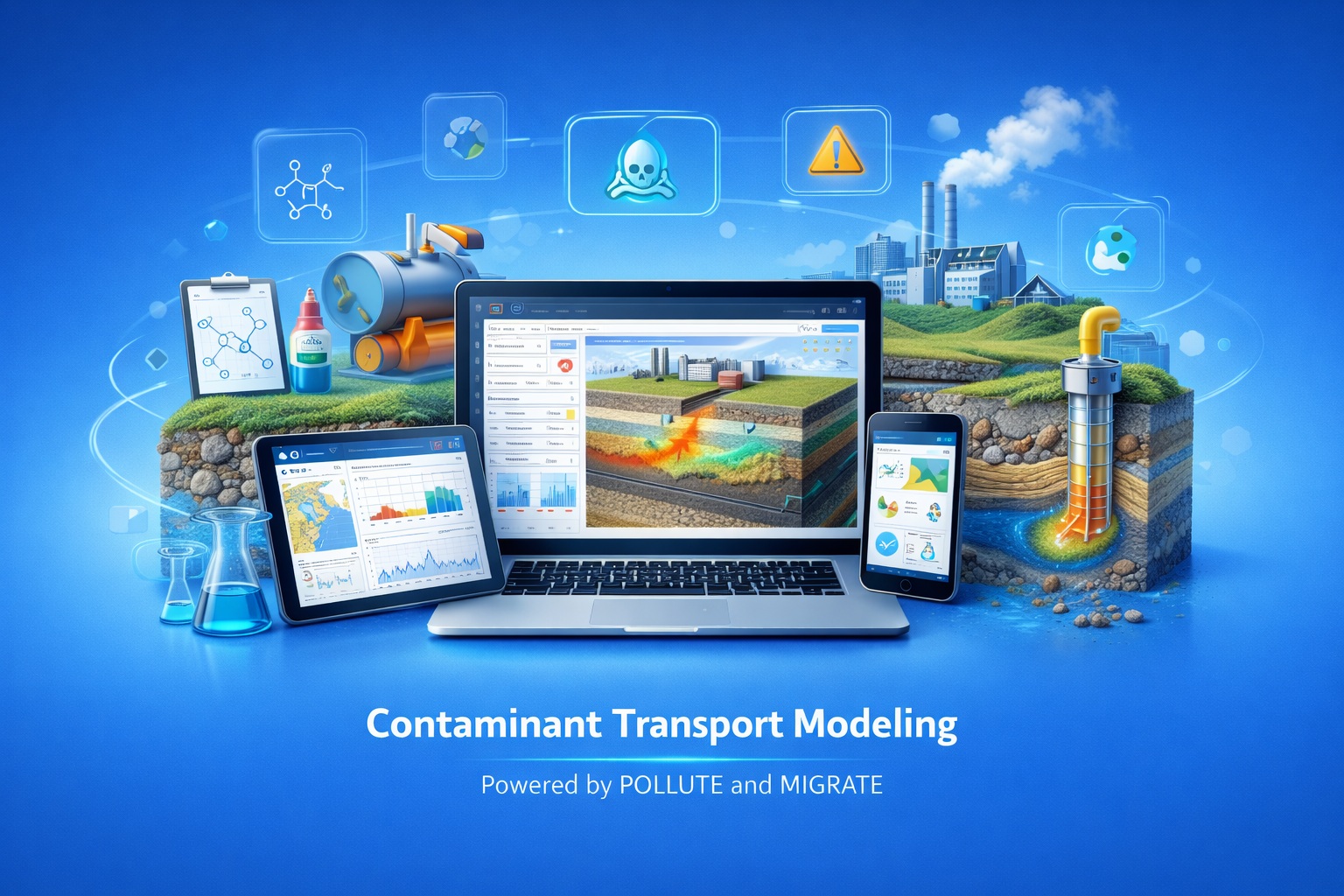
Bring Legacy Models into a Modern Contaminant Modeling Workflow
Upgrade from POLLUTE v7 or MIGRATE v9 without rebuilding established models from the beginning.
Import legacy model files into version 10, organize work in a centralized project environment, use modern charts and GIS visualization, and verify the migrated results before production use.
Review the Change before Moving Production Models
Use the sections below to compare capabilities, prepare legacy files and define a controlled verification path.
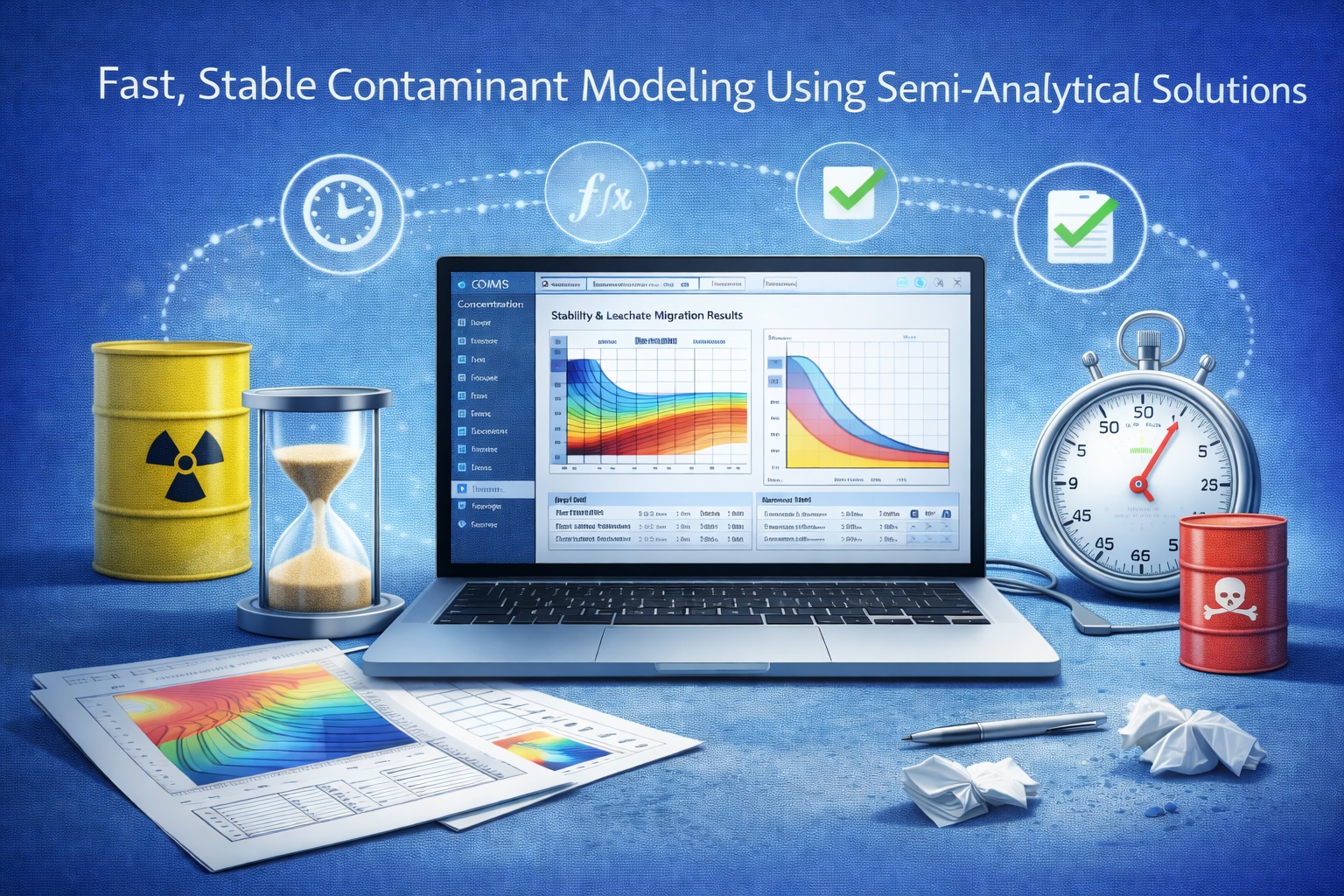
Preserve Proven Model Work while Improving the Project Workflow
Version 10 brings POLLUTE and MIGRATE into a unified platform for project management, model visualization and analysis. Existing model files can be imported so teams can build on prior work instead of manually re-entering every setup.
Centralized Projects
Organize models and related project information in one environment.
Modern Visualization
Use updated charts and GIS context to review and communicate results.
Connected Tools
Work with POLLUTE and MIGRATE models through the same platform.
Legacy Import
Bring supported v7 and v9 model files into the current workflow.
Move from Separate Legacy Tools to the Version 10 Platform
The practical benefit is broader than a refreshed interface: models become part of a connected project, visualization and review workflow.
| Area | POLLUTE v7 / MIGRATE v9 | Version 10 | Upgrade Review |
|---|---|---|---|
| User experience | Legacy interface and operating workflow | Modern dashboard and streamlined navigation | Confirm workstation compatibility and user orientation. |
| Model organization | Separate tools and files | Centralized project management | Define project names, ownership and storage conventions. |
| POLLUTE and MIGRATE | Operated separately | Available through a unified platform | Confirm which product licenses each user requires. |
| Legacy models | Original v7 or v9 format | Direct import into version 10 | Test representative simple and advanced models. |
| Visualization | Limited legacy charts | Modern charts and advanced display | Compare key curves, tables and reporting outputs. |
| Spatial context | No integrated GIS workflow | GIS visualization within the platform | Check coordinates, projection and map context. |
| Engineering workflow | Fragmented handoffs | Models, projects and visualization connected | Document the new review and approval process. |
Upgrade in Five Reviewable Stages
A structured pilot makes model equivalence, changed behavior and training needs visible before wider deployment.
Inventory
Identify active models, versions, dependencies and accepted outputs.
Preserve
Archive source files and representative legacy reports.
Import
Bring selected POLLUTE v7 and MIGRATE v9 models into version 10.
Verify
Compare inputs, boundaries, curves and key calculated results.
Deploy
Train users, document the workflow and migrate the remaining portfolio.
Prepare the Models and Evidence Needed for Verification
Model Inventory
Record filename, product version, project, owner, status and last accepted use.
Source Archive
Preserve original files, linked resources and installers where licensing permits.
Reference Outputs
Retain accepted concentration, flux, mass and profile results for comparison.
Representative Cases
Select simple, complex, high-value and special-feature models for the pilot.
Review Ownership
Assign who imports, checks, approves and documents each migrated model.
Deployment Plan
Confirm licenses, workstations, access, backups, training and support contacts.
Use POLLUTEv10 and MIGRATEv10 for Different Spatial Questions
Fast 1D and 1.5D Layered Assessment
Best suited to vertically layered engineered and hydrogeological systems where rapid scenario testing and extensive special features are important.
- Landfill liner and barrier systems
- Long-term performance assessment
- Time-varying properties and system degradation
- Sensitivity and probabilistic analysis
Explicit 2D Spatial Modeling
Best suited to sites requiring lateral representation, interacting sources or multiple landfill cells with different source histories.
- Multiple cells and source areas
- Lateral variability and plume development
- Interacting contaminant sources
- Complex site-scale impact assessment
Request a Quote for Your Existing License
Upgrade eligibility and pricing depend on the product, license type, current version and maintenance status. Send GAEA your serial number or registration details so the correct path can be confirmed.
- Product and current version
- Single-user or network license
- Serial number or registered organization
- Number and type of legacy models
- Migration, training and deployment assistance required
Include with Your Request
- Company and contact details
- Current POLLUTE or MIGRATE version
- License type and serial number
- Approximate number of models
- Required timing
- Questions about migration or training
What Existing Users Usually Need to Know
Can POLLUTE v7 models be imported?
Version 10 is documented to import POLLUTE v7 models directly. Preserve the original file and verify the imported inputs and results before production use.
Can MIGRATE v9 models be imported?
Yes. MIGRATE v9 models are documented as supported for direct import into the version 10 platform, subject to model verification.
Should every model be moved at once?
No. Start with a representative pilot, resolve workflow or compatibility issues, then migrate active and high-value models in controlled groups.
Will imported results be identical?
Do not assume equivalence from import alone. Compare inputs and selected outputs and document any differences caused by updated calculations, defaults or presentation.
Are POLLUTE and MIGRATE the same model?
No. They are complementary formulations: POLLUTE emphasizes efficient layered 1D/1.5D analysis, while MIGRATE provides explicit 2D spatial representation.
How do I obtain current pricing?
Contact GAEA with your license and registration information. The quotation can address eligibility, maintenance, migration help, training and license configuration.
Review the Platform before Requesting Your Upgrade
Version 10 Upgrade Overview
Read the supporting Knowledge Center article about platform modernization and migration.
Read the upgrade overviewPOLLUTE Core Features
Review the standard layered modeling, boundary and results capabilities.
Explore Core FeaturesPOLLUTE Special Features
Review advanced conditions, reactive processes and uncertainty analysis.
Explore Special FeaturesFree Demo
Evaluate the current interface and workflow with a representative assessment.
Download the demoTechnical Support
Ask about installation, compatibility, migration or model verification.
Contact Technical SupportReady to Move Your Models to Version 10?
Request current upgrade pricing and define a migration plan that protects your legacy files and verifies the engineering results.