

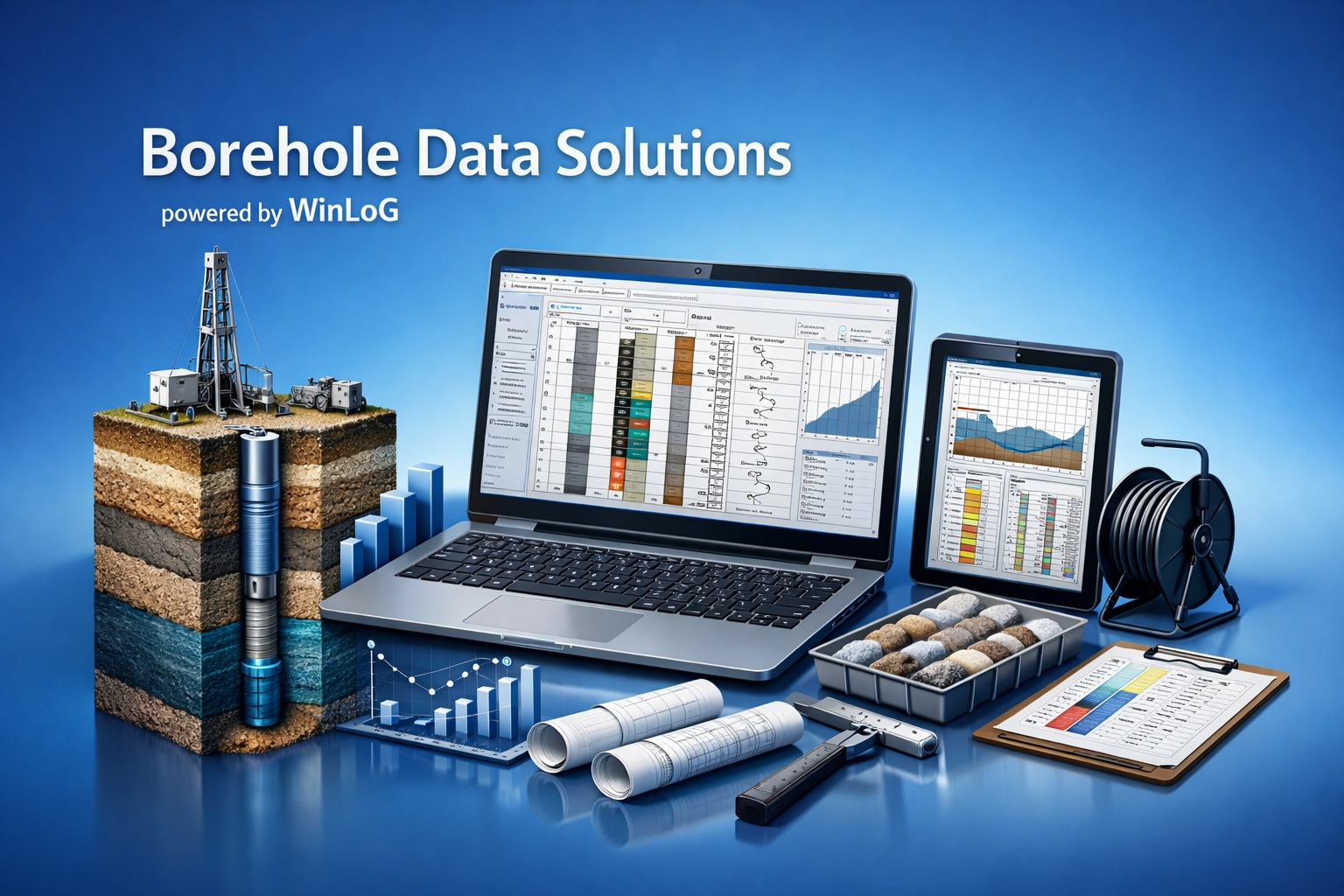
Upgrade WinLoG

Bring Your Existing WinLoG Workflow Forward

Upgrade legacy borehole projects and templates to the current WinLoG 6 environment.

Preserve the value of your existing data while gaining modern logging, field integration, reporting and automated validation capabilities.
Upgrade or Update?

The correct path depends on your installed version and annual-maintenance status. These are related services, but they are not the same.

Legacy Version

Version Upgrade

Move from an older major version—such as WinLoG 4—to WinLoG 6. An upgrade may require new licensing, project migration and installation planning.

Request eligibility and pricing
Current Version

Software Update

Install maintenance releases for your licensed major version. Access depends on your current support and annual-maintenance entitlement.

View software updates  |  Purchase maintenance

What You Gain with WinLoG 6

WinLoG 6 combines professional log production with structured project data and released QA/QC capabilities.

Modern Log Creation

Build configurable multi-column borehole and well logs using reusable templates, structured intervals, symbols and graphical components.

Validation and QA/QC

Identify incomplete, invalid and inconsistent borehole data and produce documented validation results for technical review.

Field-to-Office Data

Use standardized templates and electronic data exchange to reduce duplicate entry between field collection and office reporting.

Reporting and Export

Create professional PDF logs and exchange data and graphics through formats suited to project delivery and downstream use.

GaeaSynergy Integration

Use WinLoG boreholes within the broader GaeaSynergy project environment for mapping, cross-sections and 3D subsurface visualization where licensed.

Legacy Data Continuity

Plan migration around your existing WinLoG projects and templates, with GAEA assistance available to confirm the appropriate conversion path.

Legacy WinLoG 4 and WinLoG 6

The current release extends borehole logging into a more integrated project and data-quality workflow.

CapabilityLegacy WinLoG 4WinLoG 6Why It Matters
Borehole loggingEstablished standalone logging workflowCurrent structured logging environmentContinue familiar work with current product development
TemplatesLegacy log templatesReusable templates with expanded data types and layoutsStandardize deliverables across projects and users
ValidationPrimarily manual reviewAutomated rules, findings and validation reportsFind data-quality issues before delivery
Field workflowOlder import and entry processesField Assistant and EDI-based exchangeReduce repeated data entry
Project integrationLimited broader-project contextIntegration with GaeaSynergy project dataReuse boreholes in maps, sections and 3D views where licensed
Support pathLegacy-version considerationsCurrent licensing, maintenance and updatesMaintain access to current releases and technical support

A Practical Four-Step Upgrade

GAEA can confirm the correct path before changes are made to a production workstation or shared project environment.

1

Confirm Your License

Provide your current version, license type, serial or registration details and maintenance status.

2

Receive Your Quote

GAEA confirms eligibility, current pricing, licensing options and any applicable migration assistance.

3

Protect and Migrate

Back up existing projects and templates, then follow the recommended conversion and installation sequence.

4

Verify Your Workflow

Open representative projects, confirm templates and outputs, and validate team or network deployment.

Request the Correct Upgrade Path

Upgrade pricing is based on your existing license, version, configuration and maintenance history. A short license review avoids purchasing the wrong option.

  • Single-user and network licenses can be reviewed
  • Legacy project and template requirements can be identified
  • Maintenance and support status can be confirmed
  • Migration and deployment needs can be discussed before ordering

Information to Include

For a faster response, provide:

  • Current WinLoG version
  • Single-user or network license
  • Serial or registration information
  • Number of users or workstations
  • Any legacy project-conversion requirements
Request Upgrade Quote

WinLoG Upgrade Questions

These answers cover the most common planning considerations. GAEA can confirm details for a specific license and installation.

Is an upgrade the same as an update?

No. An upgrade moves a license to a newer major version. An update is a maintenance release within the version you already license.

Can existing projects and templates be used?

WinLoG provides a legacy-data migration path, but the exact procedure depends on the originating version and project configuration. Back up all data and confirm the path before conversion.

Does WinLoG 6 include all GaeaSynergy modules?

WinLoG operates within GaeaSynergy. Access to other modules and platform capabilities depends on the products and modules included in your license.

What if annual maintenance has expired?

GAEA will review the license and maintenance history and provide the applicable renewal, reactivation or upgrade options.

Can a network license be upgraded?

Yes, network configurations can be reviewed. Include the number of concurrent users and current deployment details when requesting a quote.

Should the old version be removed first?

Do not alter a working installation until you have backed up projects and received the recommended installation and migration sequence.

Learn More About Moving from WinLoG 4

The Knowledge Center article provides additional background on the productivity and workflow improvements available in WinLoG 6.

Ready to Upgrade Your WinLoG Workflow?

Request a license review and quote, or evaluate the current release with the demonstration version.