

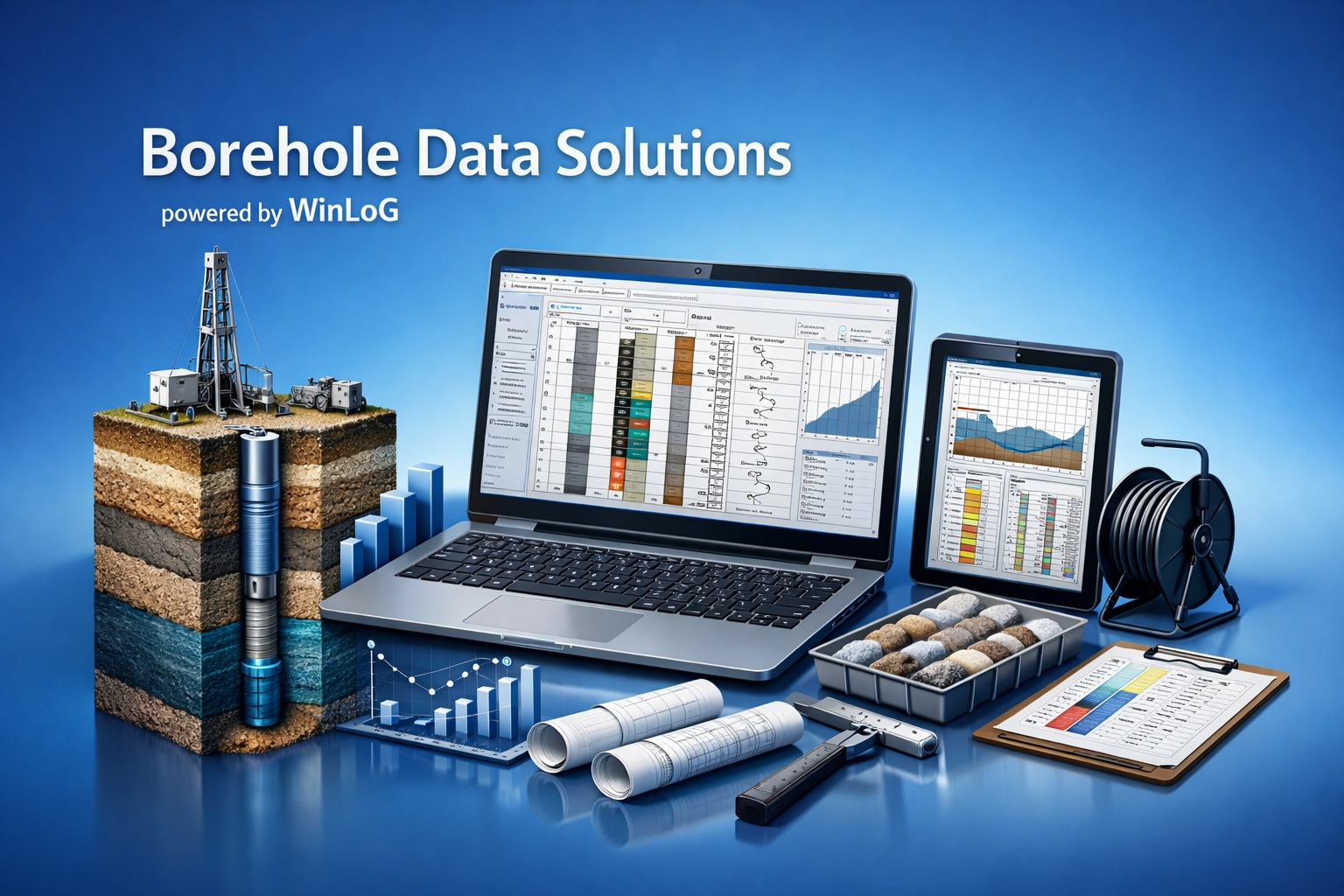
WinLoG Features

Professional Borehole Logging from Data Entry to Validation

Released WinLoG capabilities for creating, checking and reporting subsurface data.

Build consistent borehole and well logs, identify data-quality issues and produce review-ready deliverables from one structured workflow.

Everything Needed for Professional Borehole and Well Logs

WinLoG combines flexible log design, structured data entry, graphical reporting and automated QA/QC for geotechnical, environmental, groundwater, geological, mining and oil-and-gas applications.

Professional Log Creation

Create high-quality boring, borehole and well logs directly from structured project data.

  • Customizable multi-column log layouts
  • Graphic lithology and material patterns
  • Angled and gradational layer boundaries
  • Depth scales, symbols, annotations and remarks
  • Multi-page logs for deep or detailed investigations

Templates and Structured Data

Standardize how teams capture, describe and display subsurface information.

  • Reusable company and project templates
  • Configurable headers, footers and columns
  • USCS, AASHTO and custom description libraries
  • Automatic lithology-description generation
  • Consistent sample, test and interval records

Well Construction Diagrams

Build true-to-depth well and borehole-construction graphics from engineering specifications.

  • Screens, risers, casings and borehole diameters
  • Filter packs, bentonite seals and grout
  • Surface completions, vaults and protective casings
  • Nested and multiple wells in one borehole
  • Automatically scaled construction components

Samples and Technical Data

Display field observations, sampling, testing and monitoring information beside the logged profile.

  • SPT blows and calculated N-values
  • Recovery, RQD, SCR and TCR
  • Water content and laboratory results
  • Environmental samples and field screening
  • Groundwater levels and monitoring observations

Geophysical and Core Data

Correlate subsurface descriptions with continuous measurements and photographic records.

  • LAS and ASCII geophysical-curve import
  • Gamma, resistivity, caliper and other curves
  • Curve overlays and multiple scales
  • Depth-aligned core-photo columns
  • Continuous soil, rock and sediment imagery

Field-to-Office Integration

Move standardized logging information between the field and office without re-entering data.

  • WinLoG Field Assistant for Android tablets
  • Offline field data collection
  • Template-based field logging
  • Electronic Data Interchange files
  • Linked field photographs and sample information

Subsurface Intelligence Validation

Automated Validation and Borehole QA/QC

WinLoG checks the relationships within borehole data—not merely whether individual fields contain values. Released validation capabilities help teams find incomplete, invalid and inconsistent information before logs are delivered.

  • Domain-specific and cross-dataset validation rules
  • Geotechnical, environmental, groundwater, mining and oil-and-gas checks
  • Errors, warnings and informational findings
  • Completeness, quality and confidence indicators
  • Affected fields and depth intervals
  • Detailed borehole validation reports

Feature and Benefit Summary

WinLoG connects structured subsurface data with clear graphical output and repeatable quality checks.

Feature Area Key Capabilities Operational Benefit
Log GraphicsConfigurable columns, patterns, boundaries, symbols and annotationsCreate consistent professional logs without manual CAD drafting
Structured DataTemplates, description libraries and standardized interval recordsImprove consistency across users, projects and offices
Well ConstructionScaled screens, risers, seals, filter packs and surface componentsDocument installed conditions clearly and accurately
Validation & QA/QCDomain rules, cross-dataset checks, scoring and validation reportsFind data-quality issues before logs are delivered
Field IntegrationAndroid field collection, offline operation and EDI exchangeReduce duplicate entry and field-to-office delays
Reporting & ExportPDF output, images, DXF, data exchange and batch printingProduce and distribute project deliverables efficiently

Learn How WinLoG Features Improve Borehole Logging

This page is the current product-feature reference. The Knowledge Center article provides additional explanations, applications and operational context for these capabilities.

See WinLoG with Your Borehole Data

Explore real project examples or download the demonstration version to evaluate the complete logging and validation workflow.