1
Select the Assignment
Choose the questionnaire and report template that match the assessment phase, governing framework and organization’s reporting method.


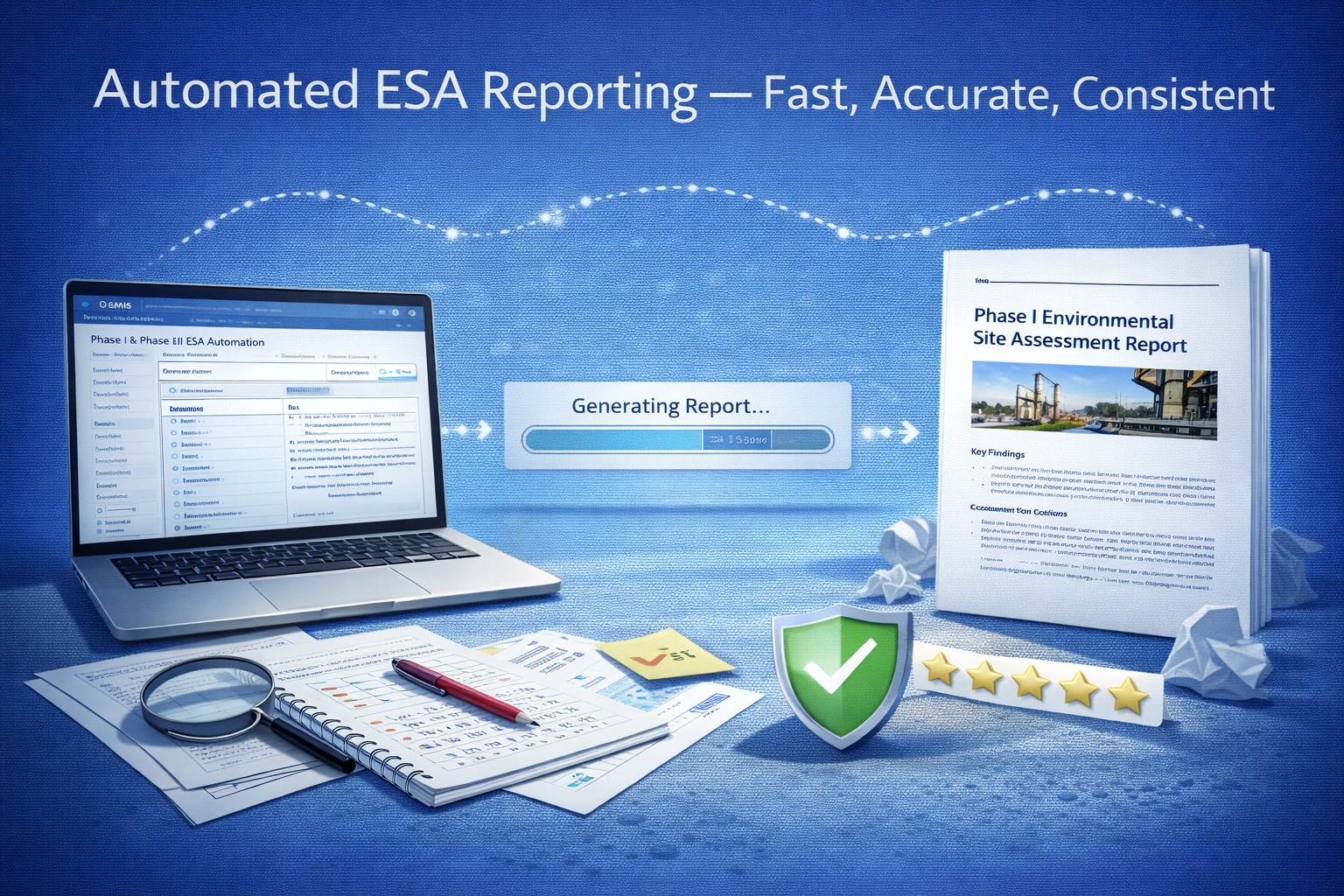
E-ASR connects questionnaire responses to predefined locations and conditional content in a report template.
The merge process assembles consistent project information, selected paragraphs and configured supporting content. Your qualified professionals retain control of the evidence, interpretation, conclusions and final issue.
The process separates reusable report logic from project-specific evidence, reducing repetitive assembly while keeping technical decisions visible to the reviewer.
Choose the questionnaire and report template that match the assessment phase, governing framework and organization’s reporting method.
Record property, records-review, interview, reconnaissance, sampling and other project information through structured questions.
Confirm required questions are complete and verify project identifiers, dates, names, source documents and supporting evidence.
E-ASR maps direct responses and selected conditions to the corresponding fields, paragraphs, sections and configured report elements.
The selected template becomes a formatted report draft containing the applicable project content and configured supporting material.
A qualified professional checks completeness, evidence, terminology, findings, conclusions and formatting before approving the final deliverable.
Each configured question can supply a direct value or activate reusable wording. This makes the report responsive to the assessment without requiring the author to rebuild standard sections manually.
A structured field asks for a fact, selection or professional observation.
The user records the project-specific answer and supporting information.
The answer selects a mapped value, paragraph or other configured output.
The applicable content is placed in the designated location for review.
A yes/no or multiple-choice response can control whether explanatory wording is inserted. The template can also place the entered details beside that wording so the resulting section combines standardized language with the project record.
This is template logic—not an automated technical conclusion. The user remains responsible for deciding whether the response is correct and whether the generated paragraph is appropriate for the evidence and governing requirements.
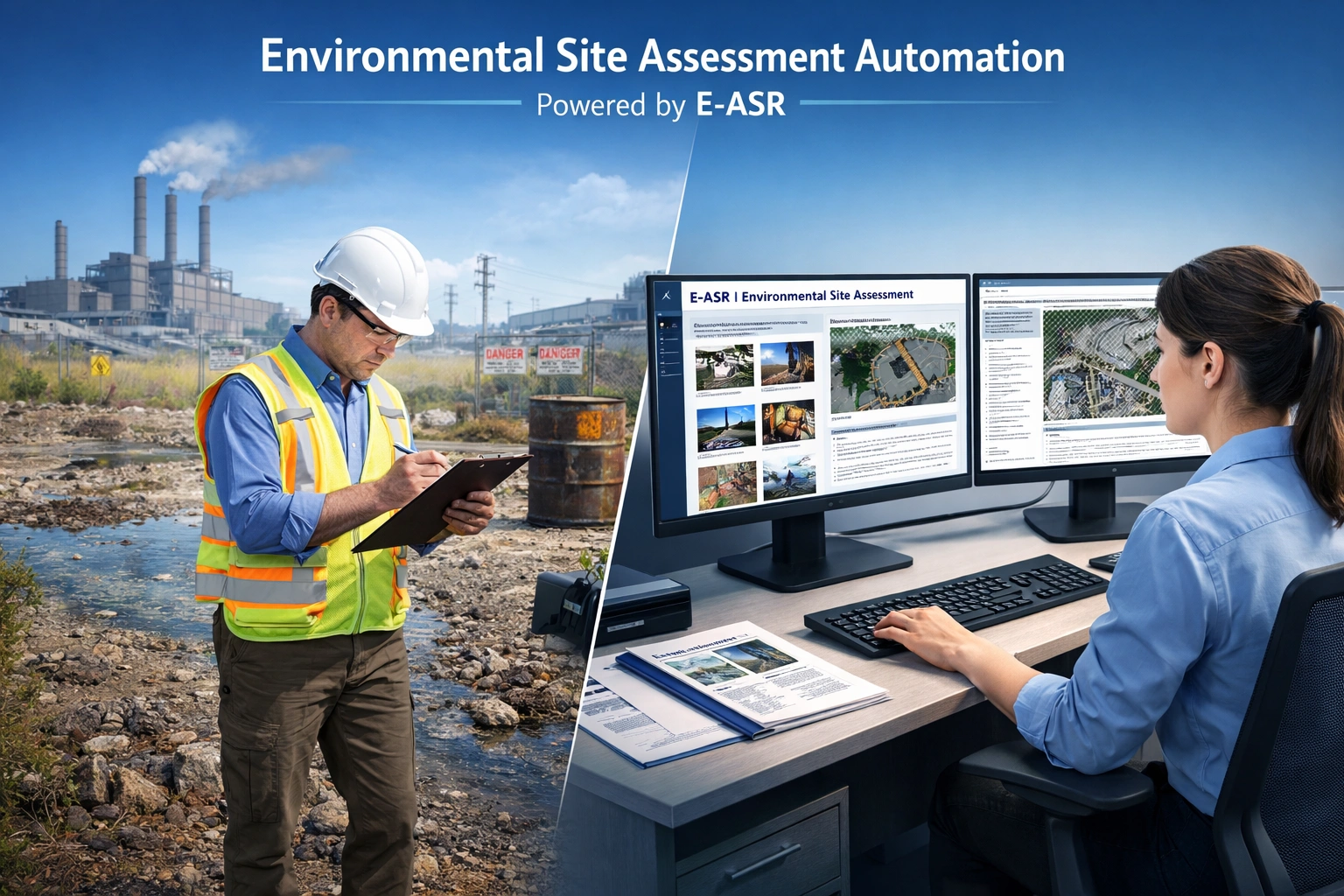
Automation makes report assembly repeatable. A controlled process makes the resulting document defensible and ready for professional review.
Confirm the standard, jurisdiction, phase, client format and approved template version before merging.
Resolve missing answers, placeholders and unsupported selections before treating the draft as complete.
Check that inserted and omitted paragraphs agree with the recorded responses and supporting evidence.
Review findings, recognized conditions, interpretations, recommendations and reliance language before issue.
Compare ASTM, CSA and Ontario Phase I and Phase II report outputs.
View E-ASR reportsFollow the complete workflow from questionnaire selection through final review.
Read the tutorialRead the detailed Knowledge Center explanation of questionnaire and report merging.
Read the merge articleReview the sample reports, test the questionnaire workflow and evaluate how E-ASR can support consistent ESA reporting in your organization.

GAEA Technologies develops and distributes geoscience and engineering solutions worldwide. Our solutions have been used for over 30 years by companies and organizations around the world.
© 2026 GAEA Technologies. All Rights Reserved.