|
<< Click to Display Table of Contents >> Color Chart tab |
  
|
|
<< Click to Display Table of Contents >> Color Chart tab |
|
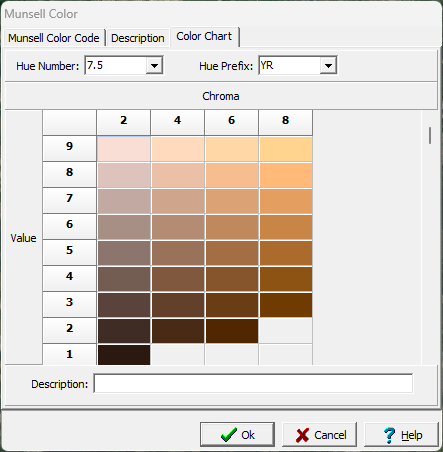
This tab can be used to select a Munsell Color using the hue number and hue prefix. After the hue number and hue prefix are selected a chart will be displayed with the value specified vertically and the chroma specified horizontally. A specific color can be selected by clicking on it in the chart. After a color is selected the description will be displayed. When this form is accessed from the Tools menu, the description for the color can be added and edited.