|
<< Click to Display Table of Contents >> Exporting gINT Data |
  
|
|
<< Click to Display Table of Contents >> Exporting gINT Data |
|
Boring and well data can be imported and exported to and from gINT version 8 project databases. These project database have the extension "gpj" and are the same as a Microsoft Access database file.
Before any data can be exported the project must first be opened. After a project has been opened, boring and well data can be exported to a gINT project database file by selecting File > Export > gINT Data. A file dialog will be displayed to specify the file to save the exported data.
Database Selection
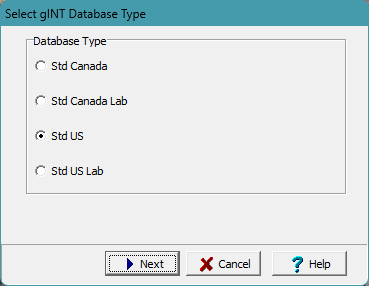
After the file name has been specified, the type of gINT database can be selected.
Borehole and Well Selection
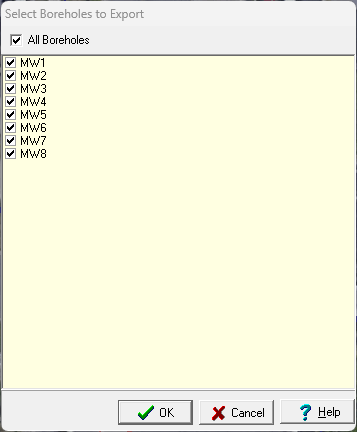
Next, the borings and wells to be exported must be selected on the Export form below.
Data Selection
The next step is to specify the data to be exported and add any additional tables for the data. A wizard is used to guide you through this process. This wizard guides you through the steps required to export the data and is discussed in the topics below.