|
<< Click to Display Table of Contents >> Exporting DIGGS Data |
  
|
|
<< Click to Display Table of Contents >> Exporting DIGGS Data |
|
The DIGGS (Data Interchange for Geotechnical and Geoenvironmental Specialists) project involves the development of a GML (XML-based) geospatial standard for the transfer of geotechnical and geoenvironmental data within an organization or between multiple organizations. DIGGS is provided by ASCE's Geo-Institute and more information can be found on their website at:
https://www.geoinstitute.org/special-projects/diggs
Multiple borings/wells can be exported to a single DIGGS format file. To export borehole data to a DIGGS format file, open a project and select File > Export > DIGGS Data. The specify file form below will be displayed.

Specify the name of the file and click on the Save button. The Export form below will be displayed.
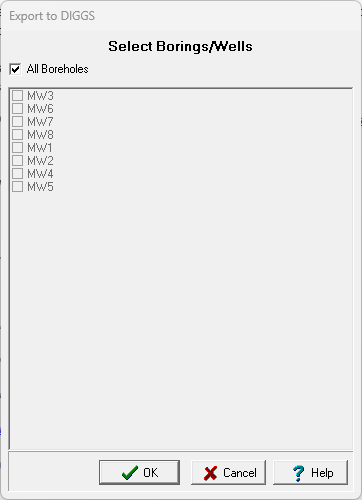
This form can be used to select which borings/wells to export. After they have been selected, click on Ok. The next step is to specify the data to be exported and add any additional information for the data. A wizard form is used to guide you through this process. This wizard guides you through the steps required to export the data and is discussed in the topics below.