|
<< Click to Display Table of Contents >> Customizing the USCS Column |
  
|
|
<< Click to Display Table of Contents >> Customizing the USCS Column |
|
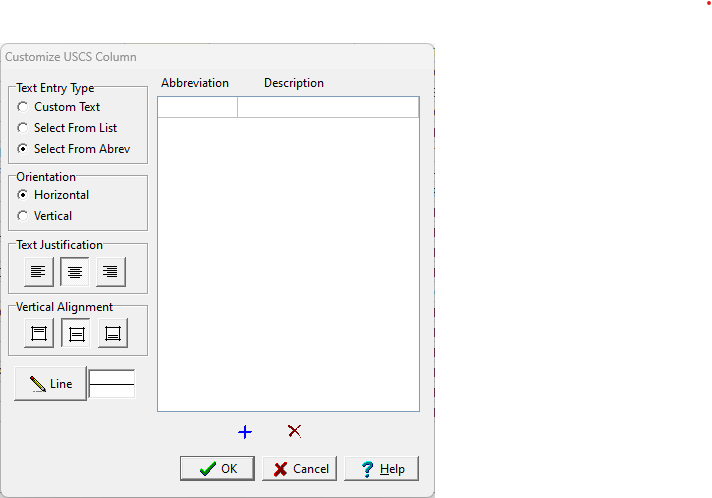
The USCS Classification can be displayed either as a text interval. The customization of the column is the same as described in Customizing an Interval Text Column. Except that when inserting calculated USCS classifications in the log, the Text Entry Type also determines what is inserted in the log. If it is set to "Select From Abrev" then only the USCS group will be inserted and not the entire description.