|
<< Click to Display Table of Contents >> Add Users |
  
|
|
<< Click to Display Table of Contents >> Add Users |
|
After the module has been licensed, the maximum number of users can be updated by clicking on the Add Users button at the top of the License Manager form. The number of users can be updated automatically or manually.
Automatic Update
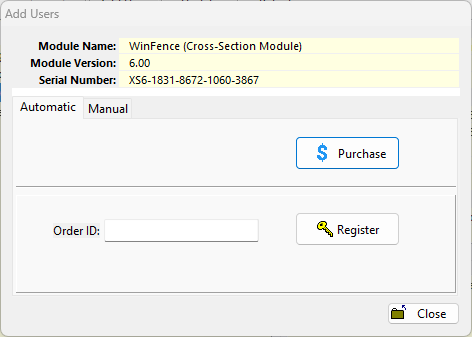
To purchase additional users click on the Purchase button. A secure web page will hen be opened in your browser where you can enter the purchase information. When the purchase has been completed, you will be provided by email with a unique order/purchase ID. Enter this ID on the form and click on the Register button.
Manual Update
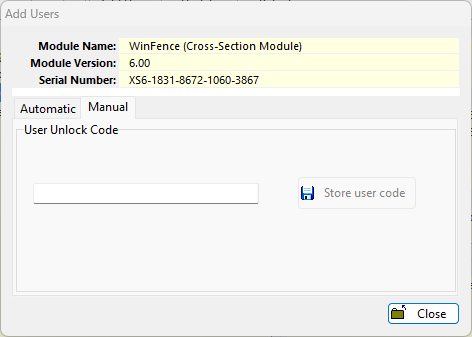
To update the maximum number of users manually enter the user unlock code from GAEA and click on the Store user code button.